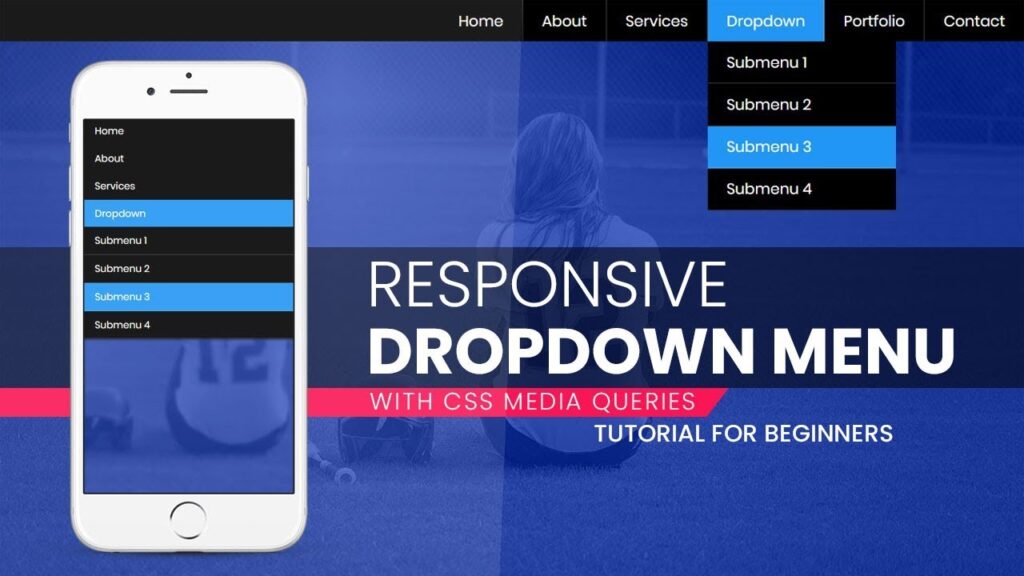
There a way to change the «Responsive Menus Font Size» in the themes ?
— There is the easiest way to change the font size.
— Go to Customization >> General Setting >> Header >> Menu Setting.
— There will be three tabs are given General , Style & Responsive Menus .
— Click on Responsive Menu tab, there is the option «Menu Font Size».
— By using that option you can change the menu font size as per your requirement & also you will find more detail about this option in our theme documentation .

One Comment
Morbi sollicitudin magna purus Ut sit amet arcu tincidunt, euismod nisi id, ultrices nulla. Ut vel sem vel nibh semper ullamcorper. In eu diam et nisl porta vulputate ac nec diam. Proin bibendum pharetra nunc pulvinar ultrices. Integer libero lacus, placerat sit amet nibh a, lobortis scelerisque nunc. Sed non ante magna. Mauris luctus lorem purus, a maximus ex bibendum elementum. Duis at purus vitae sem tempor imperdiet. Nulla lectus augue, vestibulum ut mi tempus, vehicula vehicula mauris. Aenean ac magna et libero feugiat viverra sit amet in nisi. Nam luctus massa ac vestibulum dignissim. Nunc non lorem accumsan, volutpat nunc ac, viverra mauris Ut sit amet arcu tincidunt, euismod nisi id, ultrices nulla. Ut vel sem vel nibh semper ullamcorper. In eu diam et nisl porta vulputate ac nec diam. Proin bibendum pharetra nunc pulvinar ultrices. Integer libero lacus, placerat sit amet nibh a, lobortis scelerisque nunc. Sed non ante magna. Mauris luctus lorem purus, a maximus ex bibendum elementum. Duis at purus vitae sem tempor imperdiet.